
Doco Translate Blog
Tips, tutorials, and insights on document translation and productivity.
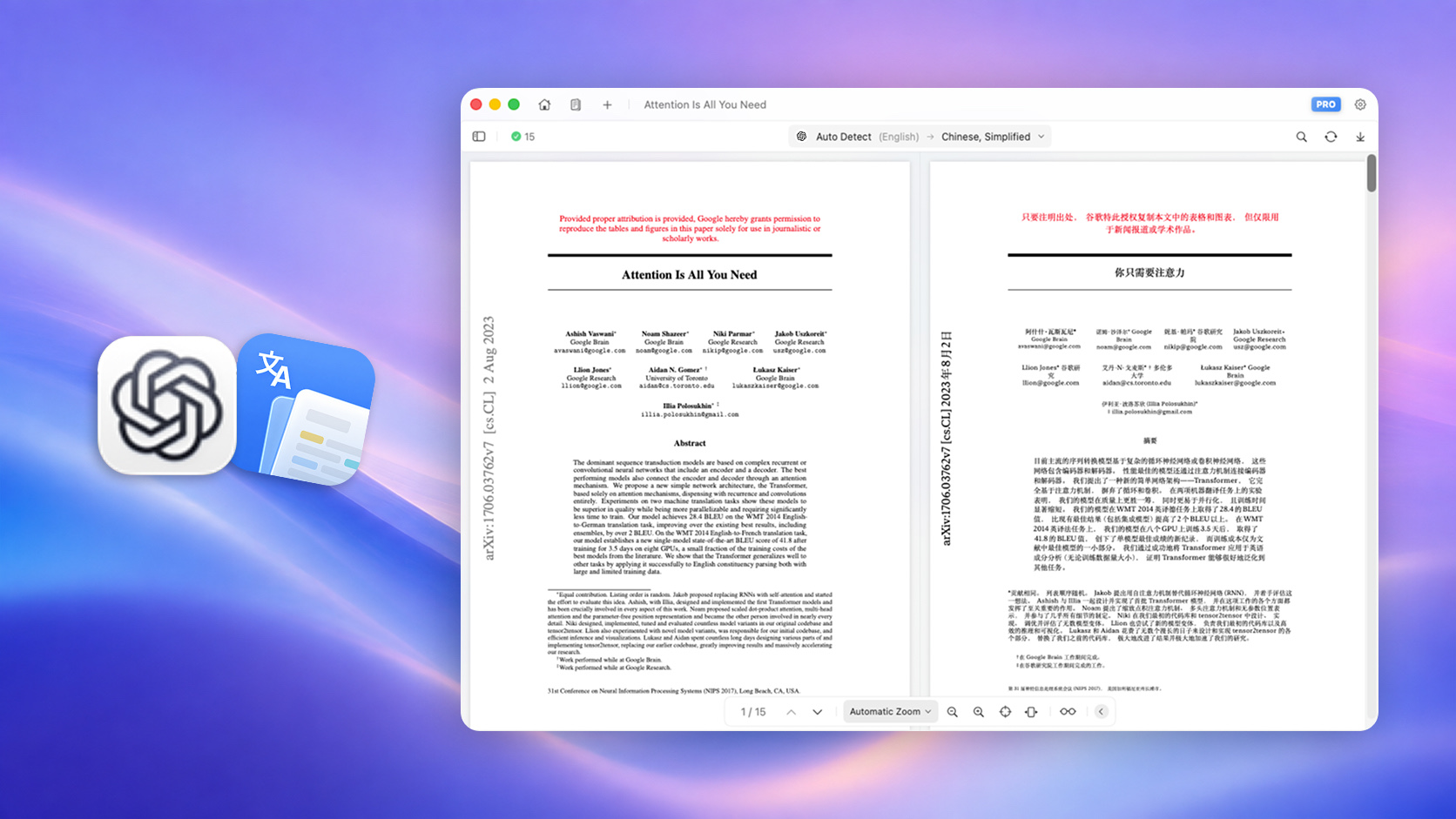
How to Translate a PDF with ChatGPT Without Losing Formatting
Learn how to translate PDF content with ChatGPT, understand its formatting limitations, and use a dedicated PDF workflow to preserve the original layout.
Read more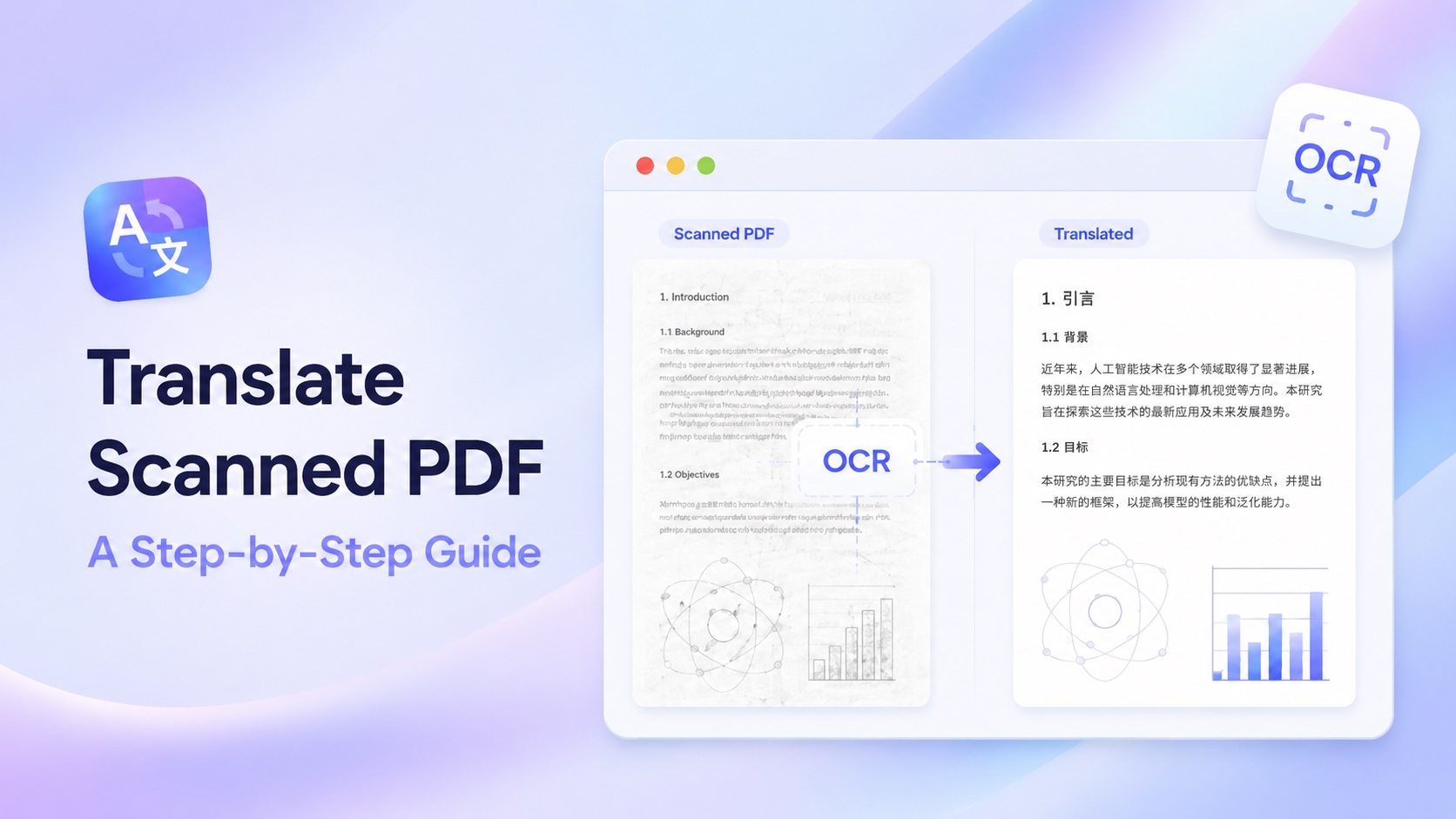
How to Translate a Scanned PDF with OCR: A Step-by-Step Guide
Learn how to translate scanned and image-based PDFs with OCR, improve text recognition, and preserve tables, images, columns, and the original page layout.
Read more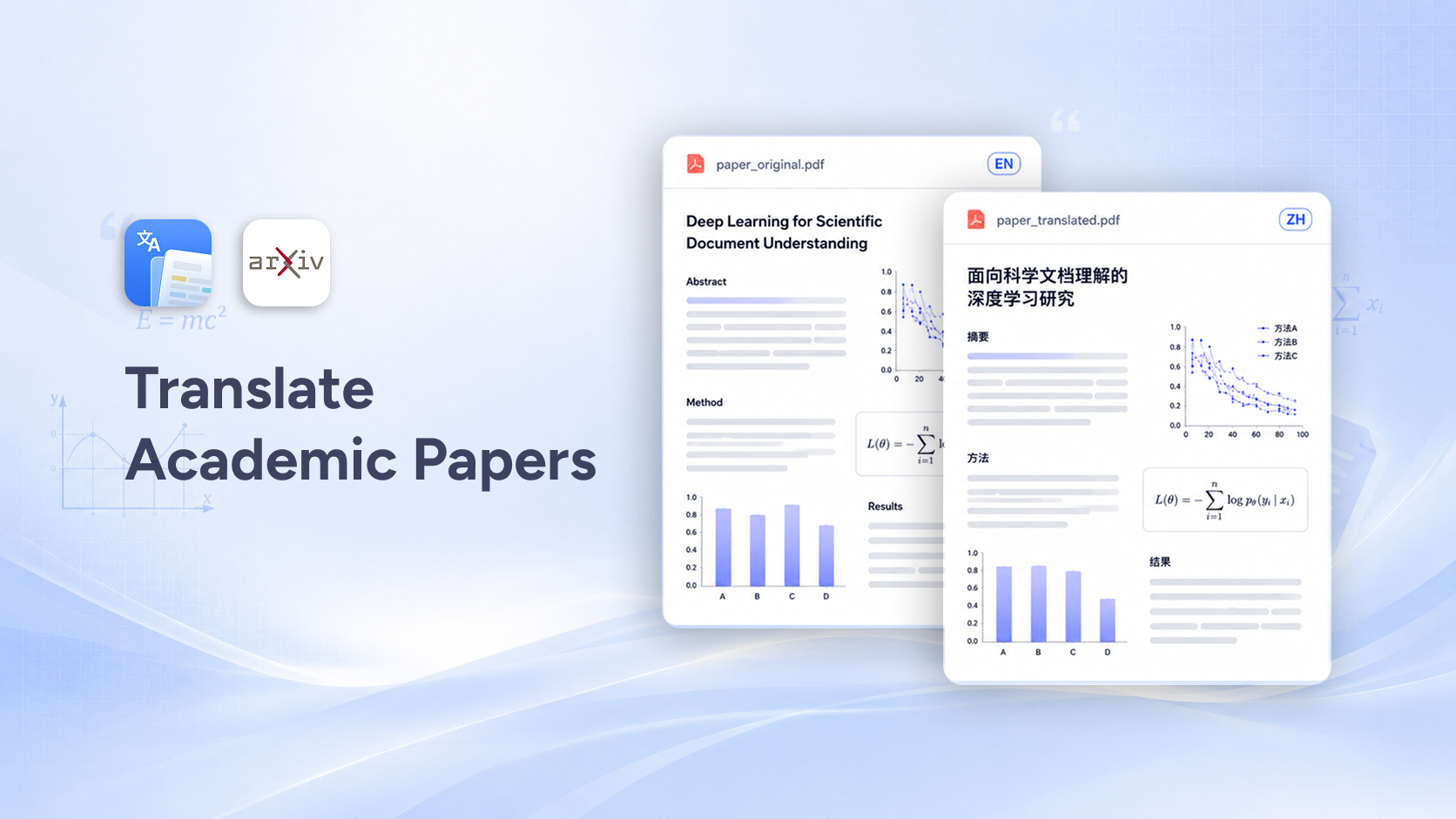
Best Way to Translate Academic Papers and Research PDFs
Learn the best way to translate academic papers and research PDFs accurately while preserving formulas, tables, citations, images, and multi-column layouts.
Read more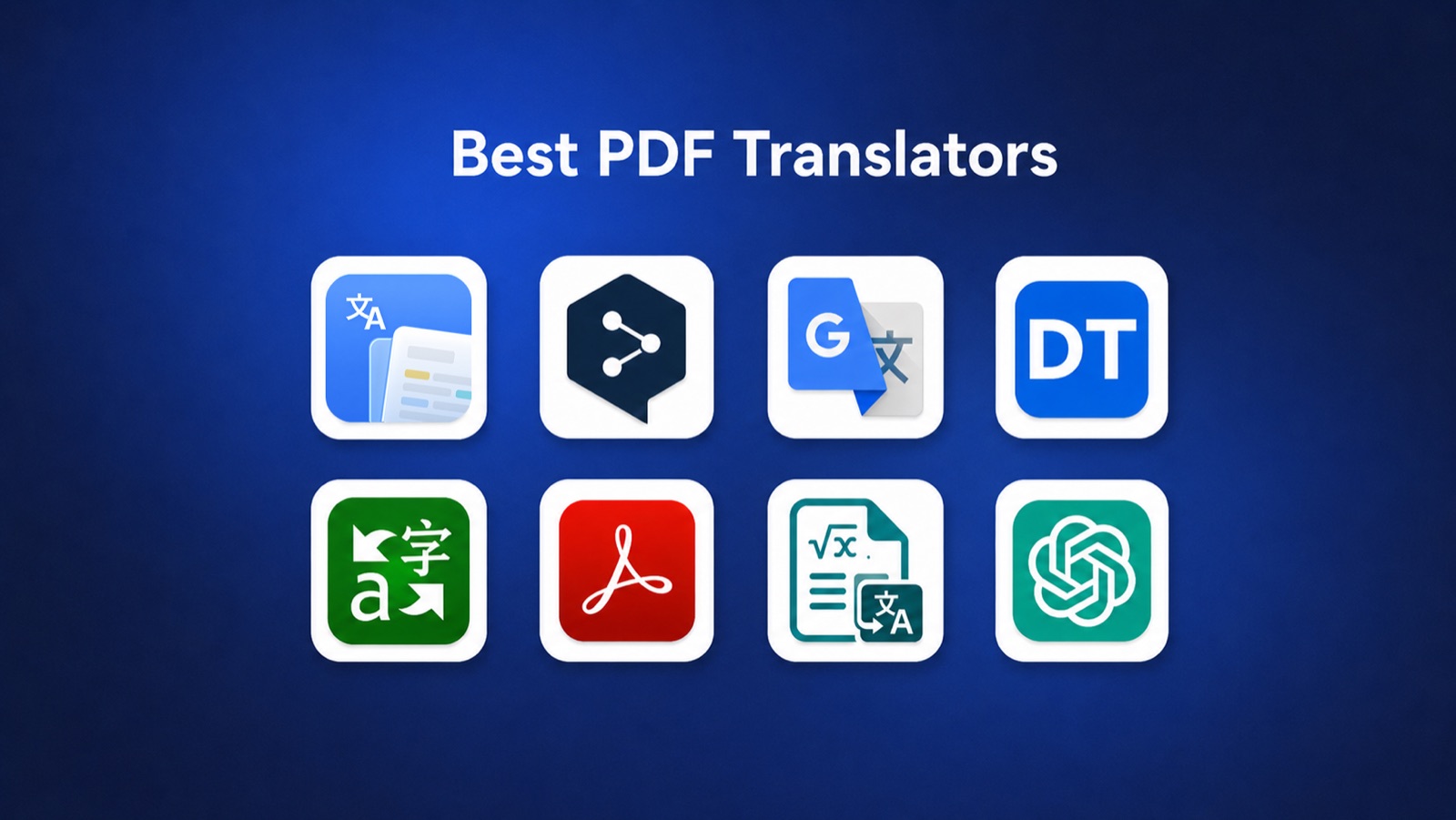
8 Best PDF Translators in 2026
Compare the best PDF translators in 2026 for formatting, speed, privacy, editing, scanned documents, and price.
Read more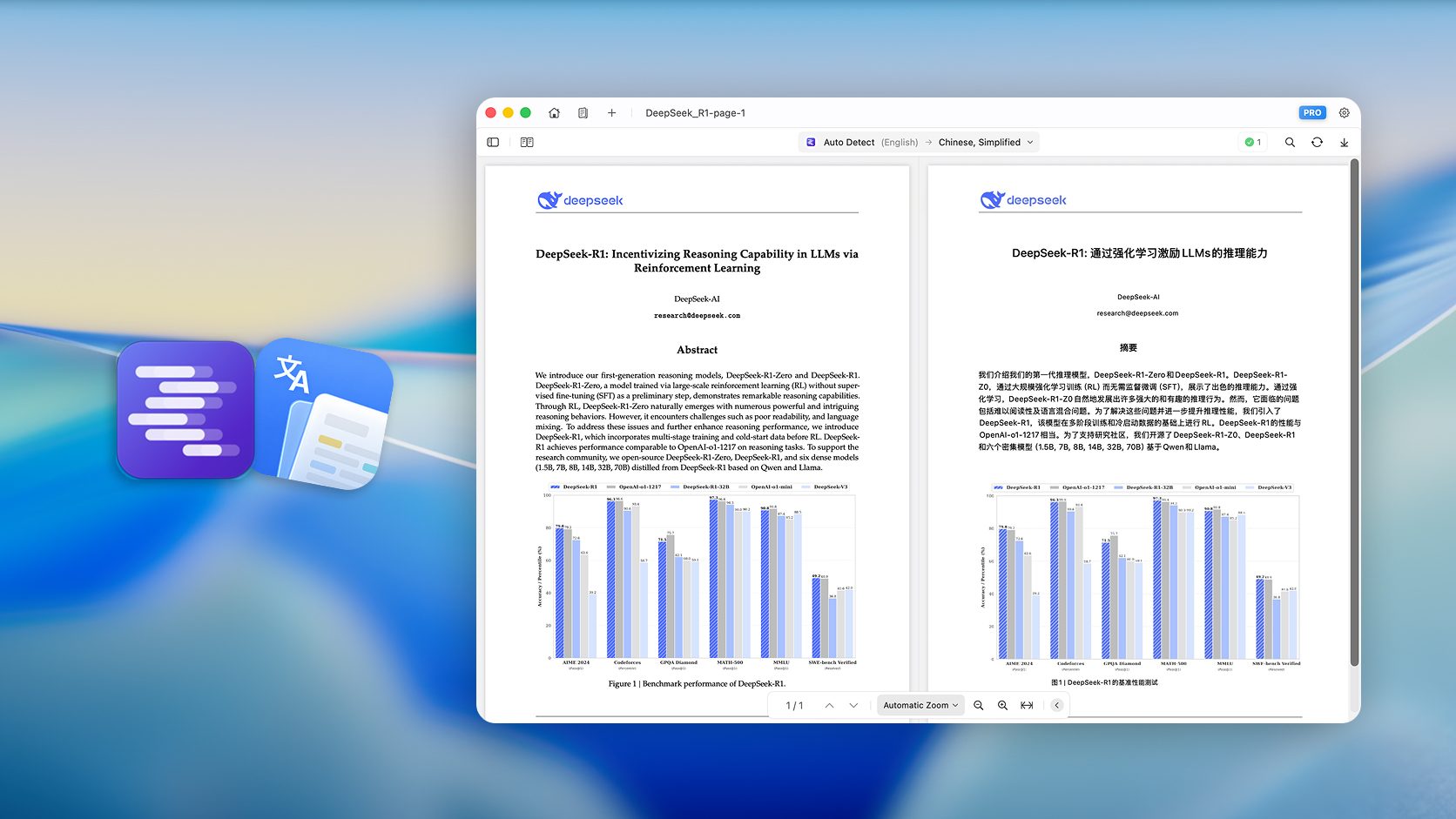
Translate PDFs with LM Studio while preserving layout
Set up LM Studio as a local translation backend for Doco Translate on Mac. Translate PDFs privately, preserve the original layout, and keep full control over your language model.
Read more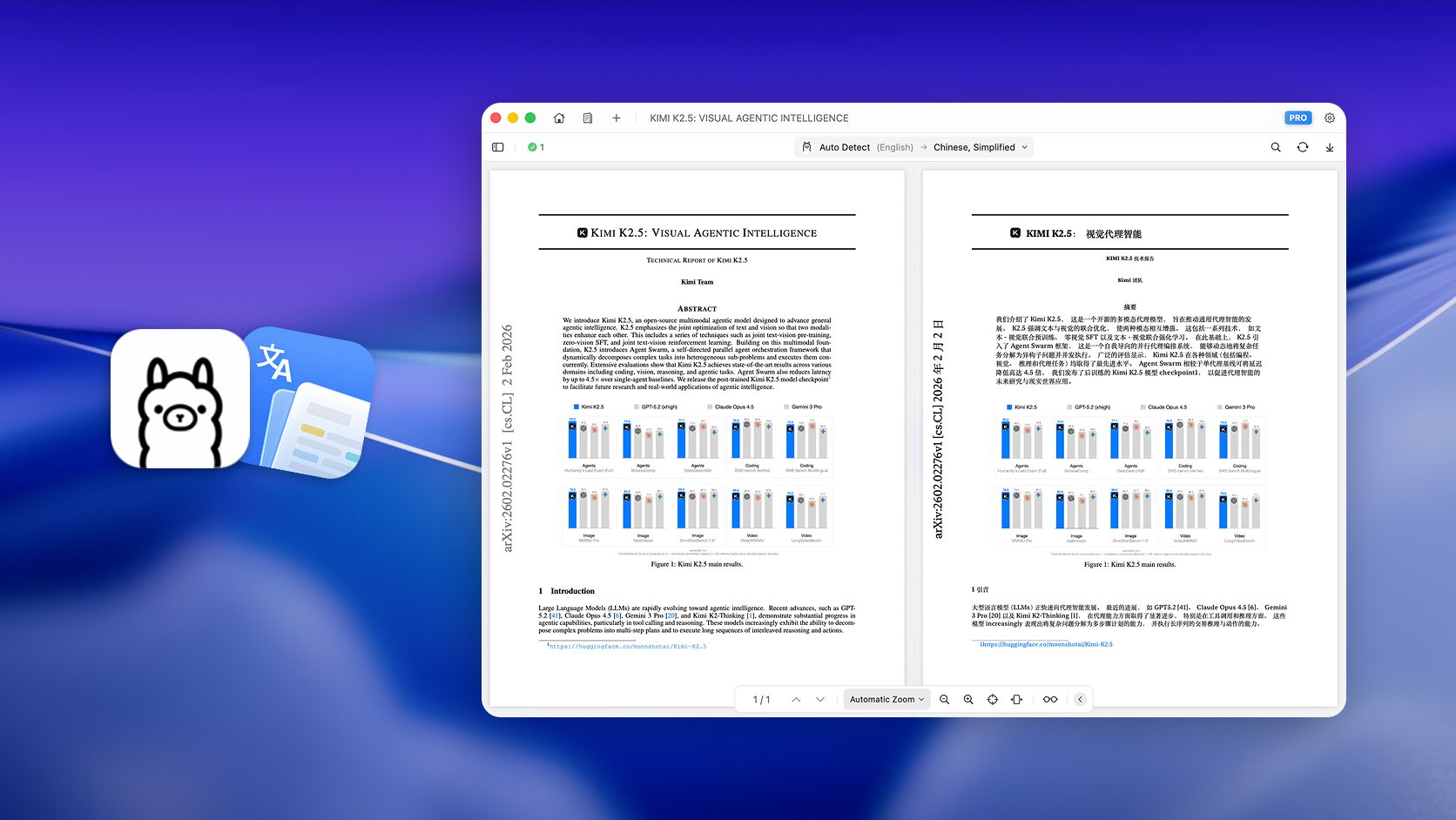
Translate PDFs with Ollama while preserving layout
Learn how to use Doco Translate with Ollama on Mac to translate PDFs locally, keep the original layout, and verify your local model connection in Settings.
Read more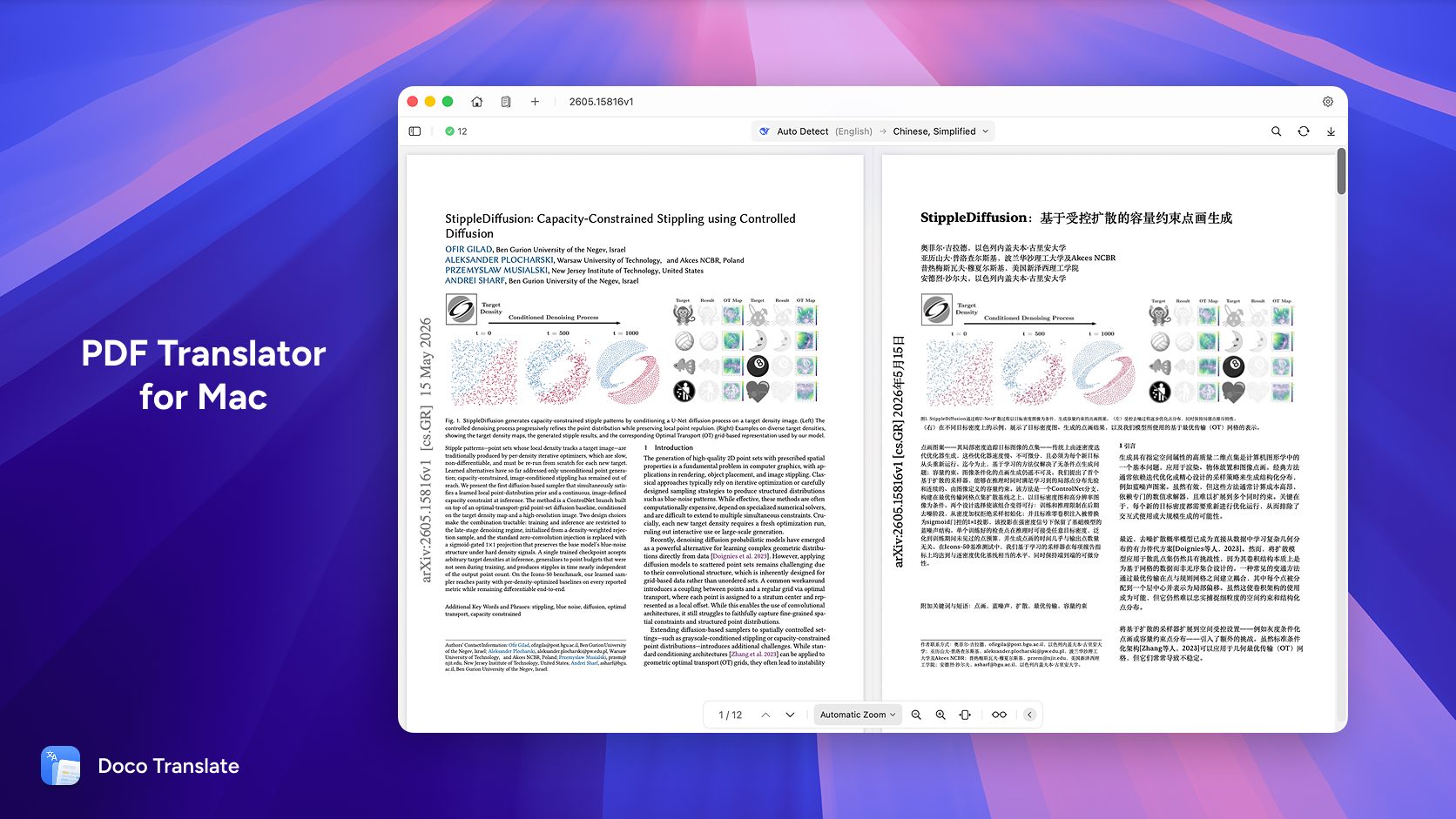
How to Translate PDF Document on Mac
Use Doco Translate to translate PDF documents on your Mac — preserving layout, protecting privacy, and delivering accurate results in a few clicks.
Read more