
AI Services (Local)
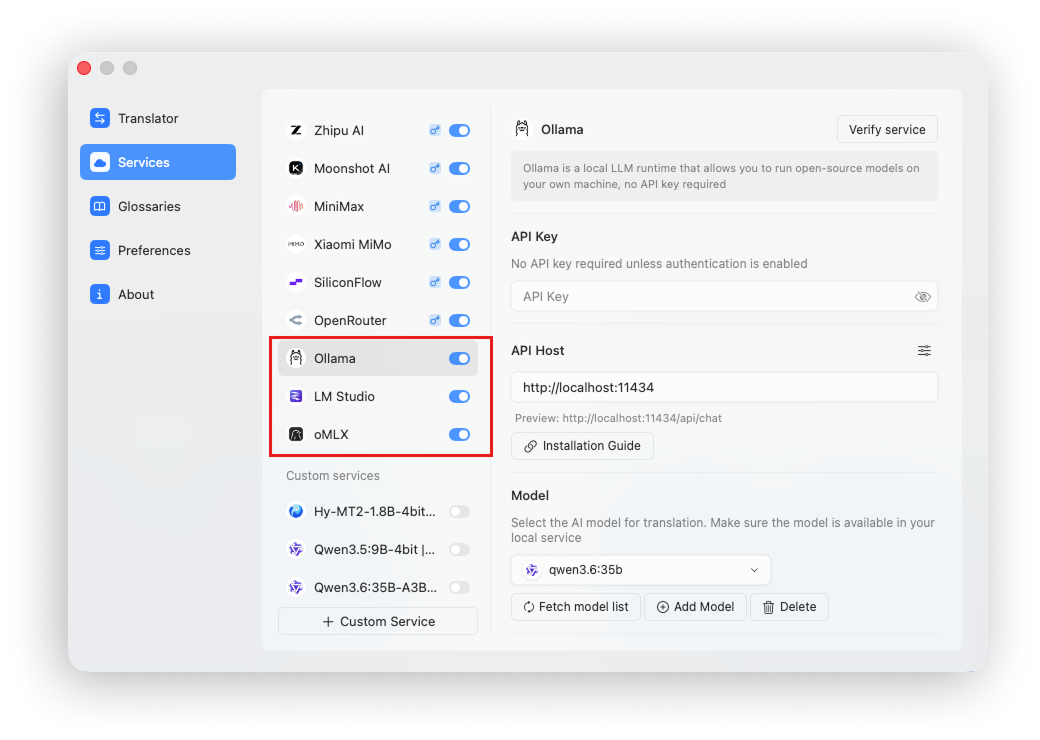
Doco Translate can connect to local AI model runtimes such as Ollama, LM Studio, and oMLX for translation.
Advantages of Local Models
Using local models is the approach Doco Translate recommends most strongly because it offers several important advantages.
Translation Quality
Large language models excel at natural-language tasks, especially translation. They usually provide better translation quality than conventional machine translation engines.
Privacy
Models loaded through a local runtime keep your data on your device. Nothing is sent to a third-party provider, ensuring that document processing remains private.
Cost
Unlike cloud AI APIs, local models do not charge for tokens and have no additional usage fees.
Limitations of Local Models
Model Size
Local models are usually open source, and models that run well on consumer hardware often have relatively small parameter counts, such as 4B, 9B, 35B-A3B, or 27B. Their general capabilities may therefore be weaker than large cloud models.
However, translation does not require a very long reasoning chain or the strongest possible reasoning model. Smaller local models are capable of producing good translations, making them a highly cost-effective choice.
Inference Speed
Local inference speed depends on your hardware and the size of the model. Better hardware and smaller models are faster, although local inference is generally still slower than a cloud AI API.
Local AI Model Runtimes
| Tool | Characteristics |
|---|---|
| Ollama | Simple command-line setup and model management |
| LM Studio | Friendly graphical interface for downloading and running local models |
| oMLX | High-speed local LLM inference optimized for Apple silicon |
Ollama
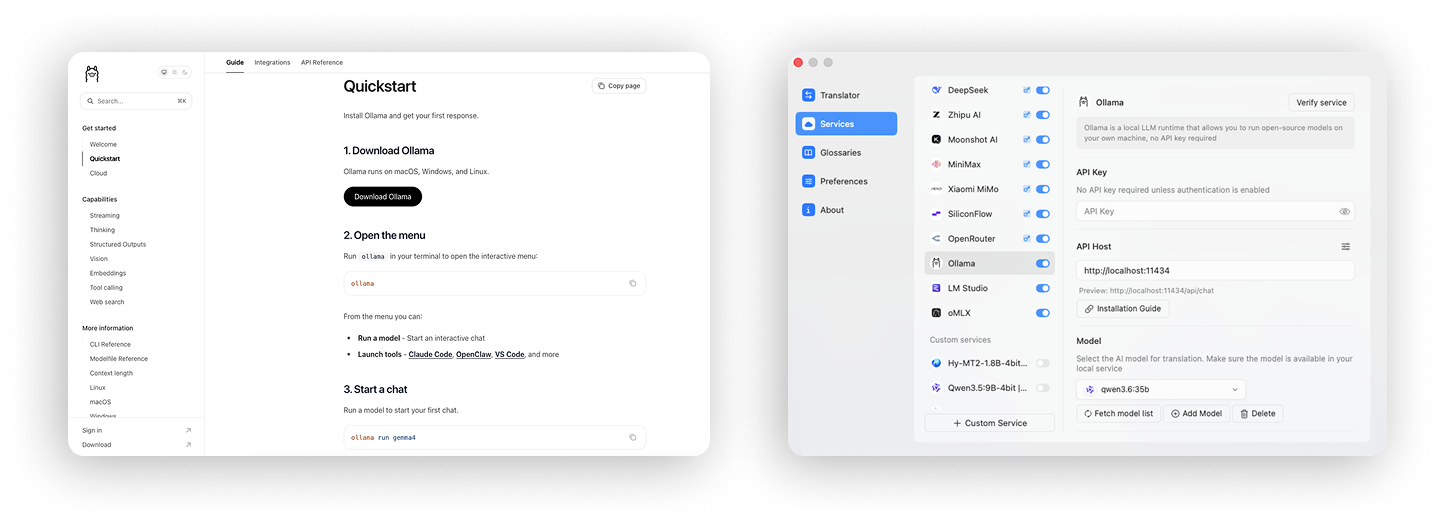
Ollama is an approachable command-line tool for running local models.
Install Ollama by following its official instructions, then run ollama pull MODEL_NAME to download a model.
After the model has downloaded and is running successfully in Ollama, connect it to Doco Translate with one click.
The default Ollama endpoint is http://localhost:11434.
LM Studio
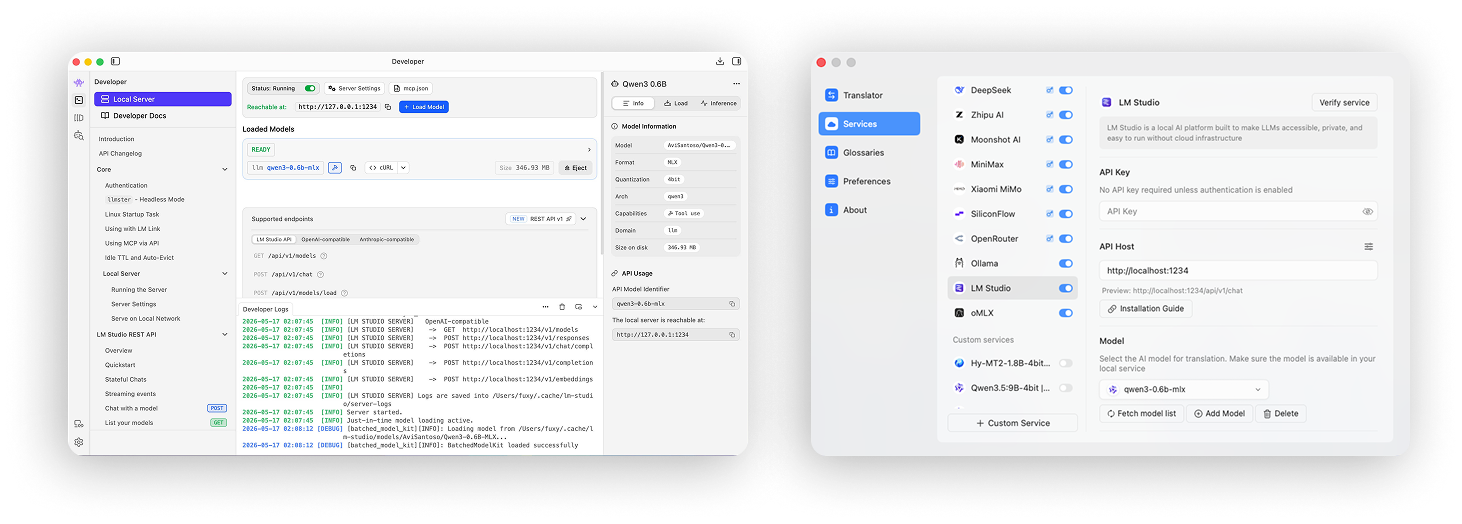
LM Studio provides a graphical interface for running local models and is easy to get started with.
Install LM Studio from its official website, then download a model inside the app.
After the model has downloaded, start LM Studio's local model server so that it exposes an API. You can then connect it to Doco Translate with one click.
The default LM Studio endpoint is http://localhost:1234.
oMLX
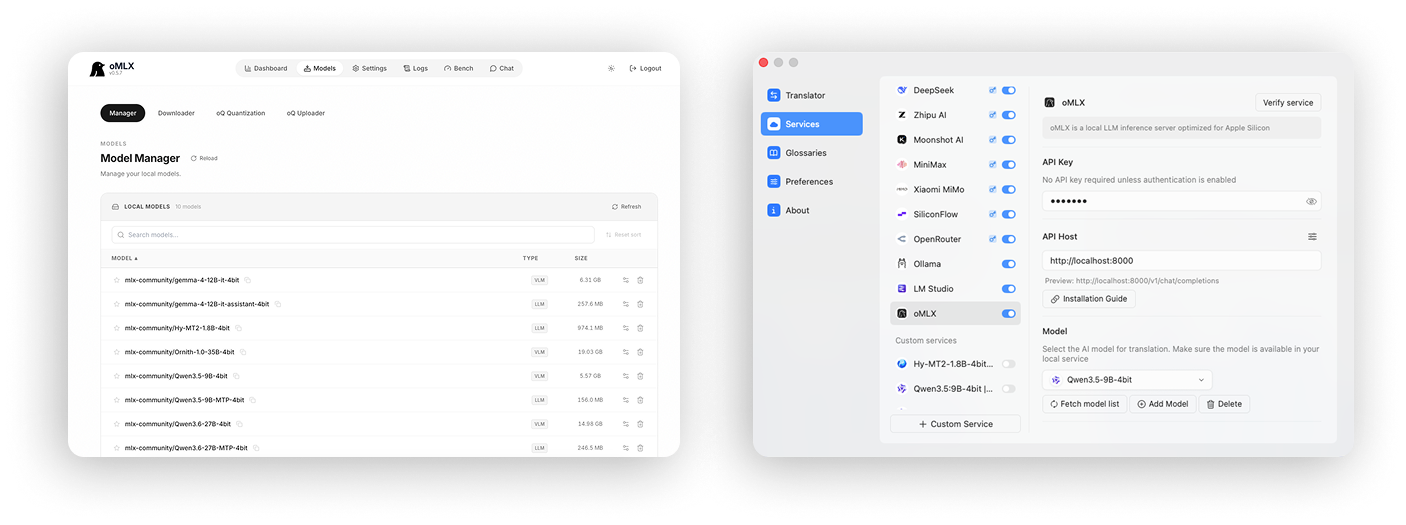
oMLX is a local model runtime optimized for Apple silicon and provides very fast inference.
Install oMLX from its official website, open the oMLX console, and download a model.
oMLX starts its local service automatically. After the model has downloaded and passed a test, connect it to Doco Translate with one click.
The default oMLX endpoint is http://localhost:8000.
Recommended Models
Doco Translate recommends the following models for translation:
- Hy-MT2-1.8B: very fast, minimal memory use, and optimized specifically for translation
- Qwen3.5:9B: fast with relatively low memory use
- Qwen3.6:35B-A3B: strong capabilities and fast performance, with higher memory use
- Gemma4:12B: a balanced choice for quality, speed, and memory use
- Qwen3.6:27B: the strongest capabilities, but slower and memory intensive
- Qwen3.5:4B: fast with low memory use, but slightly less stable
For most workloads, use Hy-MT2-1.8B or Qwen3.5:9B as the primary model. Both are fast and memory efficient. For higher quality and stability, use Qwen3.6:35B-A3B, which is more capable but consumes more memory.