
Export Translation
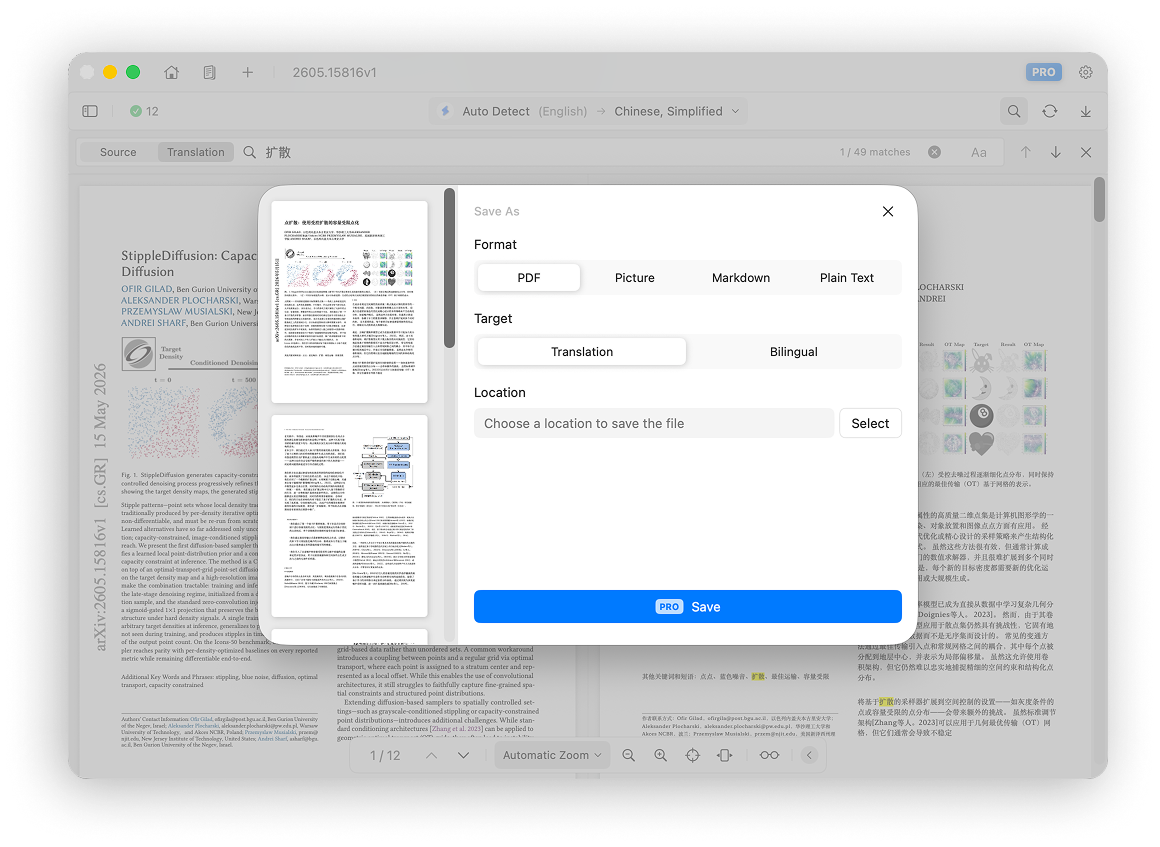
Doco Translate can export translations in several formats for different workflows. Click the Export button in the upper-right corner of the translator toolbar to export the result.
Export Formats
Exported PDFs are standard PDFs with selectable, editable text. They are not image-only PDFs.
Image
Image export joins all pages into one continuous image in page order.
Markdown
Markdown export is similar to Reflow View. Images referenced by the Markdown file are saved separately.
Plain Text
Plain-text export saves text as a .txt file. Images are not included.
Export Modes
Translation Only
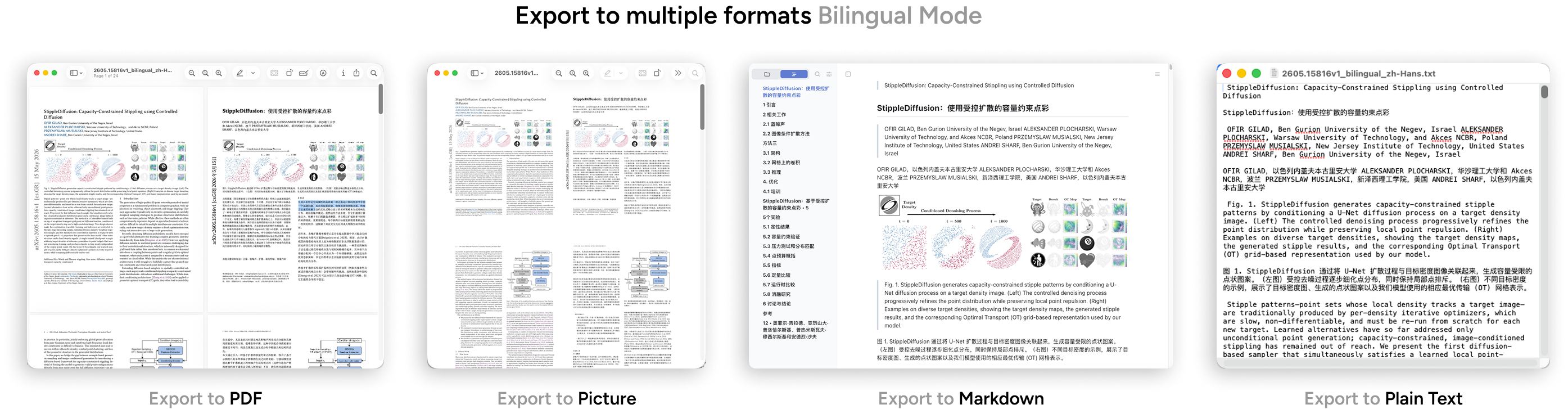
Export only the translated content.
Bilingual
Export the original and translated content together. For example, a bilingual PDF alternates between an original page and its translated page.
Export Workflow
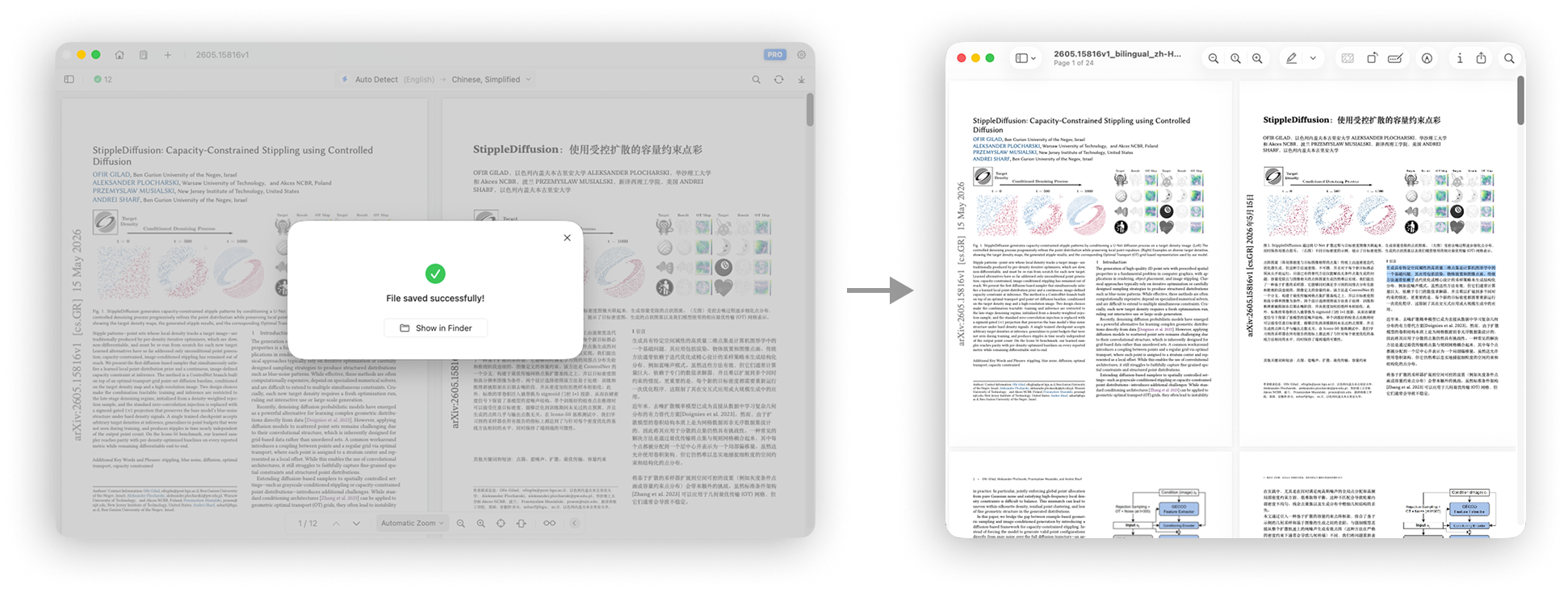
- Click Export in the upper-right corner to open the export panel.
- Choose an export format and export mode.
- Click Save.
- Choose a location and file name.
- Wait for the export to finish.
Exporting is a Pro feature. Upgrade according to your needs.