

Reflow Mode
Reflow Mode converts a PDF with a complex page layout into a natural, top-to-bottom document flow.
It is designed for focused reading and provides a cleaner, more efficient reading experience.
Open the translator's translation settings panel and change View Mode to switch between Layout and Reflow.
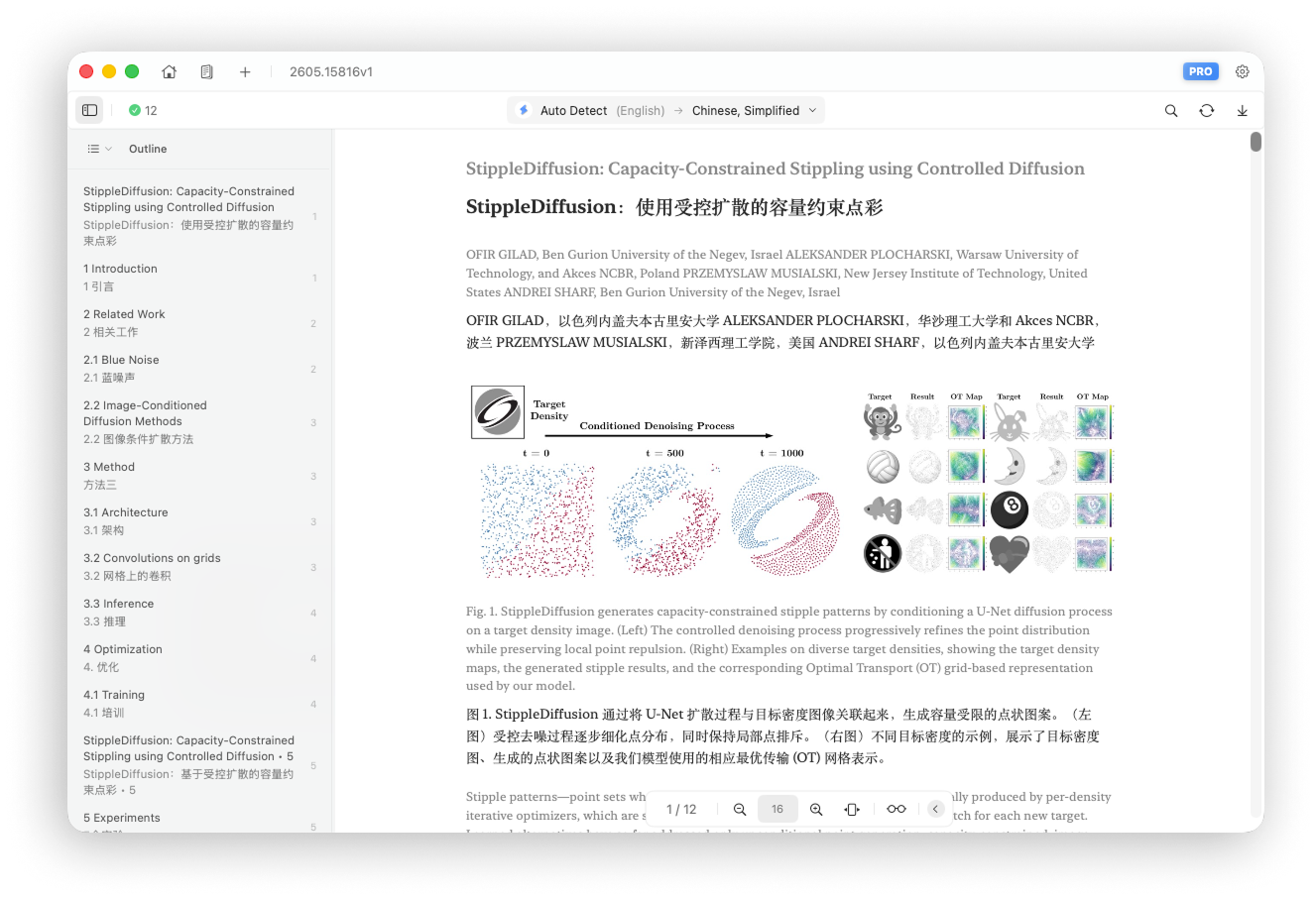
Reflow View Tools
Font Controls
Change the rendered font size. The default base size is 16.
- Increase: add 1 to the base font size
- Decrease: subtract 1 from the base font size
- Reset: restore the base font size to 16
Width Toggle
Change the width of the Reflow content area. Standard Width is the default, and you can switch between Standard Width and Full Width.
- Standard Width: use a fixed content width with margins on both sides
- Full Width: fill the screen to show more content at once