

Translate Scanned PDFs
Doco Translate includes OCR for parsing and translating scanned PDFs.
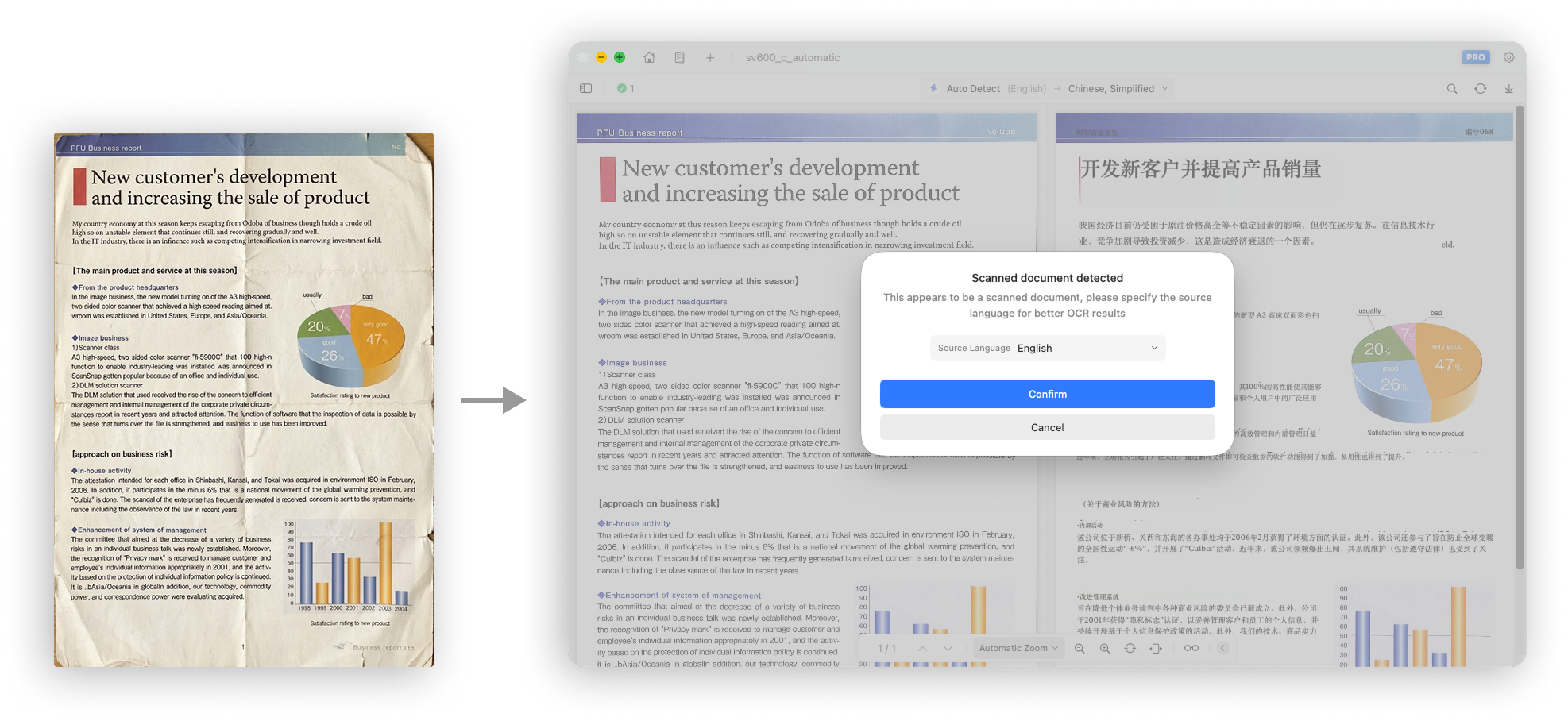
In a scanned PDF, each page is usually stored as an image instead of structured text. Because text cannot be extracted directly, OCR must first recognize and extract the text before it can be translated.
Important Notes
Scanned documents are recognized visually and do not contain original text metadata that can help identify the language. If the source language is set to Auto Detect, text recognition and extraction may be less accurate.
The best practice for scanned documents is to choose the source language manually. Selecting the correct language improves both text extraction and OCR accuracy.
When Doco Translate detects a scanned document, it also prompts you to choose the source language manually to improve OCR and translation results.